Design Systems
UI Foundations
Color Contrast
WCAG Guidelines
Figma Styles
UI UX Principles
Figma
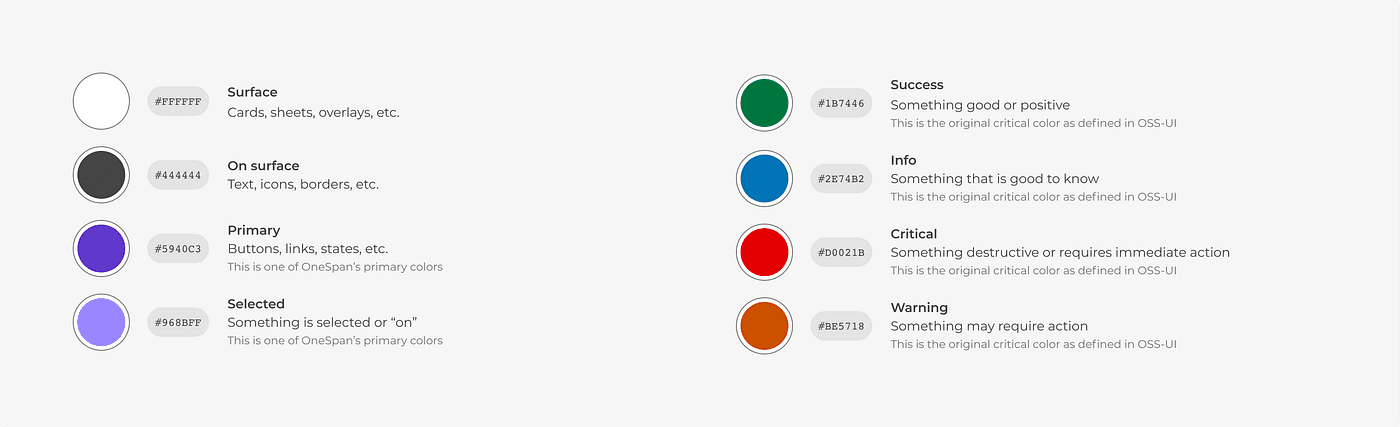
What is UI Color Accessibility?
Color accessibility means designing interfaces that anyone can navigate comfortably, including users with visual impairments or color blindness. Many designers pick colors based purely on aesthetics, resulting in text that is incredibly hard to read. Following established accessibility standards ensures your product remains highly usable without ruining your visual style.
Understanding WCAG Contrast Ratios
The Web Content Accessibility Guidelines (WCAG) outline specific mathematical contrast ratios between text and its background color:
AA Standard (Minimum): Requires a contrast ratio of at least
4.5:1for normal body text and3:1for large text styles.AAA Standard (Enhanced): Requires a stricter contrast ratio of
7:1for body copy and4.5:1for larger headings.UI Components: Interactive elements, borders, and input form states need at least a
3:1contrast ratio against their backgrounds to remain clearly visible.
How to Check and Fix Contrast in Figma
Use Contrast Plugins: Install tools like Stark or A11y - Color Contrast Checker in Figma to instantly audit your layout files.
Adjust Color Luminance: If a background tint fails contrast checks, tweak the saturation or brightness slider instead of replacing the entire color token.
Never Rely Only on Color: Don’t use color as the single indicator for state changes. Always back up color warnings (like form errors) with text labels or clear system icons.
📘 Designer Takeaways
The Core Rule: Aesthetics should never compromise readability. Always test background-to-foreground contrast parameters early during the exploration phase.
System Efficiency: Setting up strict accessible contrast values within your global color tokens avoids massive compliance redesign loops right before product handoffs.
Ready Frameworks: If you need pre-tested, accessible neutral shades and semantic token setups, the Design Mastery Handbook maps out complete WCAG-compliant styling systems.