Figma
UI Foundations
Design Systems
UI/UX Design
UI UX Principles
responsive design
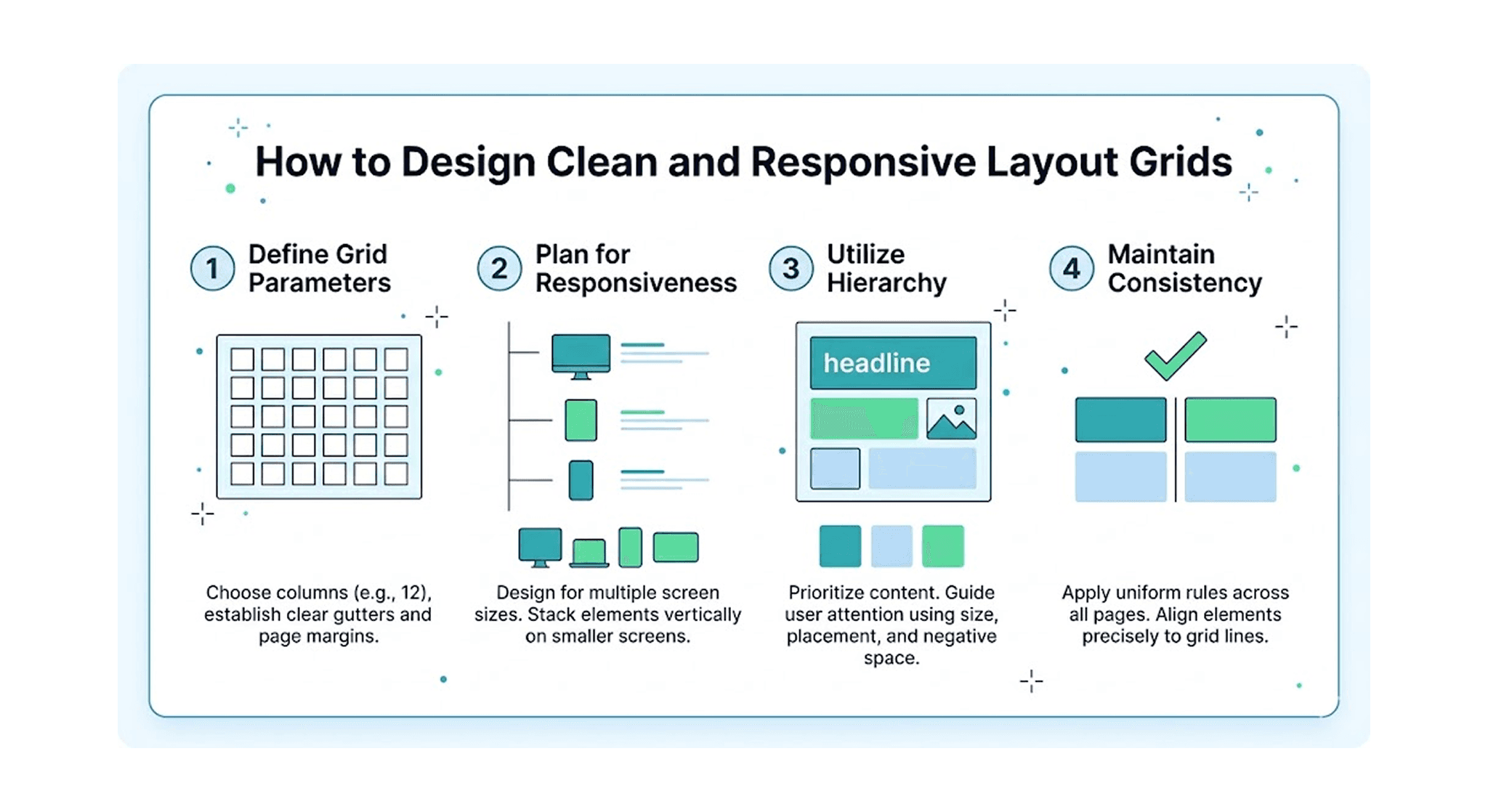
What is a Responsive Layout Grid?
A layout grid is a structural framework of vertical columns and horizontal rows used to align UI elements. Designing screens without a grid scale forces you to guess element placements on different devices. Using a standardized grid ensures your content scales seamlessly from desktop viewports down to small mobile screens.
The Standard Grid Formats
Desktop Layouts: Use a standard 12-column grid with center alignment. A typical setup uses a 1140px or 1200px max-width container, 24px column gaps (gutters), and auto-calculated margins.
Tablet Layouts: Switch down to an 8-column grid with 16px or 24px gutters. This provides enough structural flexibility for both portrait and landscape tablet viewports.
Mobile Layouts: Use a tight 4-column grid with 16px stretch margins and 16px gutters. This forces a single vertical hierarchy that fits narrow screen bounds perfectly.
How to Build Fluid Grids in Figma
Use Layout Grid Properties: Select your frame, hit the
+icon next to Layout Grid in the right sidebar, and change the grid type from default grid cells to Columns.Leverage Auto Layout Constraints: Instead of using fixed width groupings, wrap cards or content blocks in Auto Layout and set the horizontal resizing behavior to Fill Container.
Align to the Grid Edges: Make sure your primary content container edges align perfectly with the outer bounds of your layout columns, leaving side margins completely empty for breathing space.
📘 Designer Takeaways
The Core Rule: Never mix grid layouts haphazardly. Stick to the 12, 8, and 4-column structures across your responsive breakpoints to keep your interface clean and balanced.
Handoff Efficiency: Matching your layout column structures directly with frontend breakpoint settings speeds up production code assembly and minimizes rendering scaling bugs.
Ready Frameworks: If you want to skip calculating responsive grids and breakpoint widths manually, the Design Mastery Handbook covers complete production-ready interface matrices across its pages.